

%20Top%20of%20Wallet.png)
Make Your GNBank Debit Card Your Everyday Card
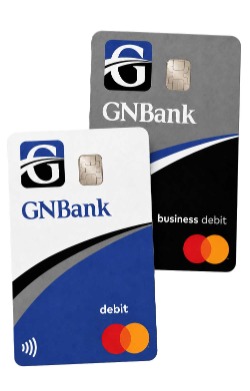
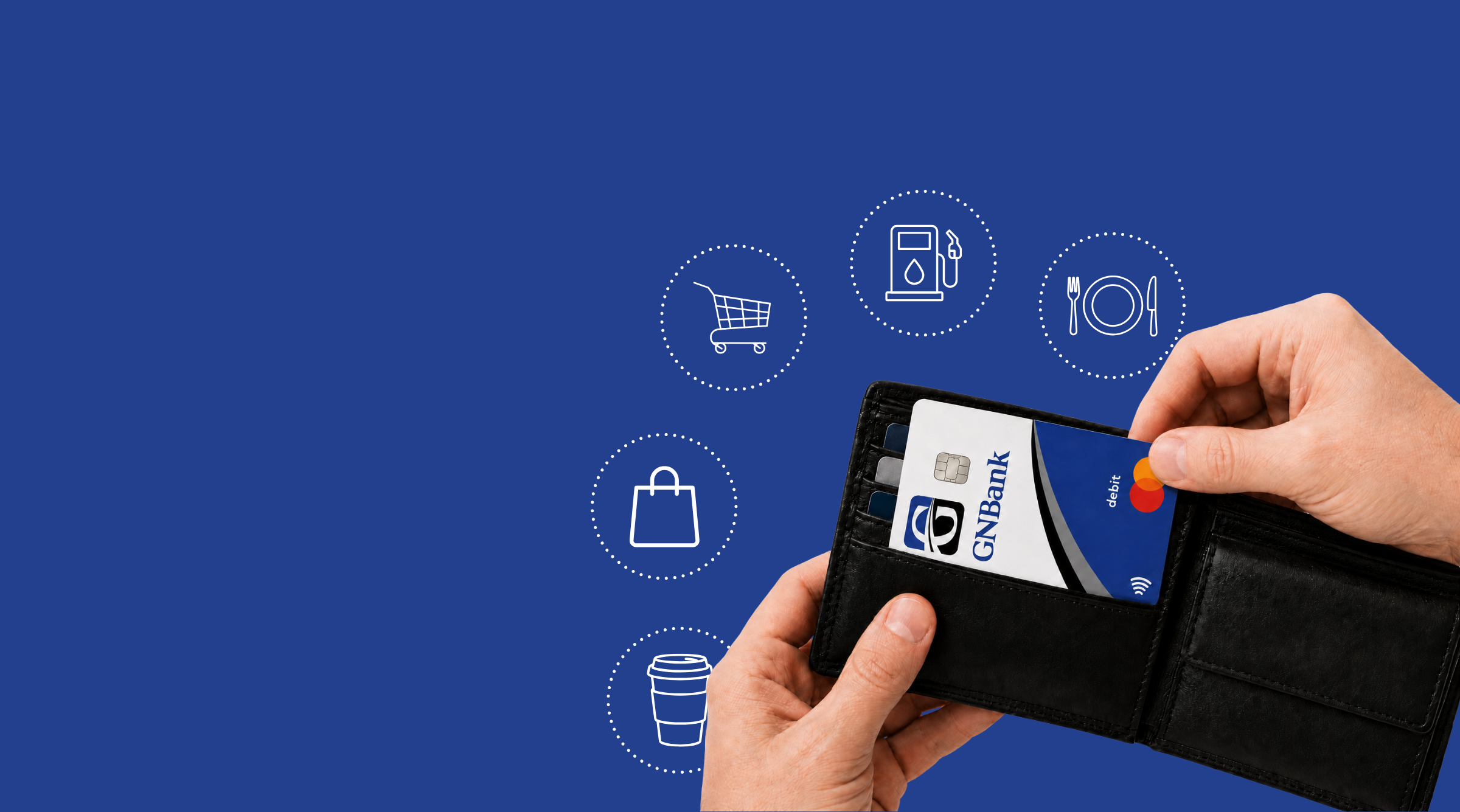
From morning coffee and groceries to gas, dining, shopping, and more, your GNBank debit card is ready for the purchases you make every day. Keep it at the top of your wallet—or add it to your digital wallet—so it is the card you reach for first.
Pay Your Way
Insert your card, tap to pay, shop online, or add your GNBank debit card to Apple Wallet™ or Google Wallet™.
Security and Control
Use MyCardRules* to receive transaction alerts, turn your card on or off, establish spending limits, and control certain types of transactions.
Mastercard Opportunities
Eligible purchases may also help support a cause or provide entries into current Mastercard sweepstakes.
My Card Rules
When it comes to security, we have you covered. GNBank’s MyCardRules puts you in charge of who uses your GNBank debit card and how they use it. The best part is, MyCardRules is easy to set up!
With MyCardRules, you can:
- Turn your card on and off if lost, stolen, or misused.
- Get instant alerts when your debit card is used.
- Set dollar limits to control your spending.
- Prevent transactions that do not match your settings.
MyCardRules provides another way that GNBank helps you safely and securely manage your money. Once enrolled, download the GNBank Digital Banking app from the Apple App Store or Google Play today. Still have questions? Feel free to contact your local GNBank for assistance.
Here’s how to set up MyCardRules:
- Go to GNBank’s digital banking dashboard, select “Accounts” and select the appropriate account.
- Go to “Card Management” and choose a card.
- Finally, tap “Alerts and Protection” and choose the controls you want to apply to that card.
*consumer cards only
Add Your Card to Your Digital Wallet
Convenience meets Secure Technology.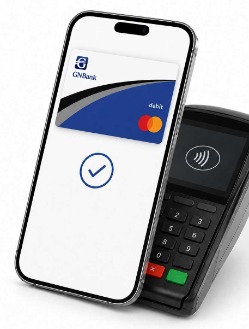
With a quick tap of your smartphone or smartwatch, you can use your GNBank debit card to pay at store locations that accept mobile payments.
Step 1: Load your GNBank debit card into Apple Pay™ or Google Pay™ on your mobile device.
Step 2: Look for contactless  symbols in stores. It's how you know which stores accept Digital Wallet payments.
symbols in stores. It's how you know which stores accept Digital Wallet payments.Step 3: Select your GNBank debit card in your Digital Wallet.
Step 4: Unlock your mobile device with its security code, and then hold it up to the symbol on the contactless terminal.
Load your card into your Digital Wallet today.